|
Example:
You want to join two walls that are placed a short distance apart. Follow these steps:
-
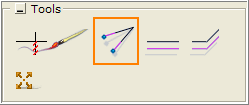
Select the Meet two lines tool, under Tools on the Wall Drawing component tab. A thin pink line appears at the mouse pointer.
-
Click the pink line onto the end of one of the walls (the inside corner if you're working with inner dimensions) and click.
-
Next move the mouse pointer to the end of the other wall (without holding the mouse button down). The pink line finds the correct angle and shows where the space between the two walls is filled in (Figure 2).
-
Click. The walls now meet in the corner (see Figure 3).
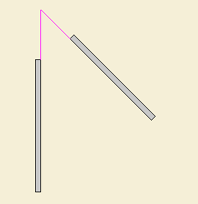 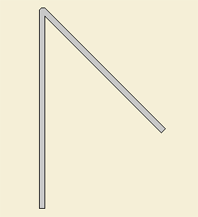
Figure 2 Figure 3
|